
How to Use Remini AI Hair Saloon Feature – User Tutorial
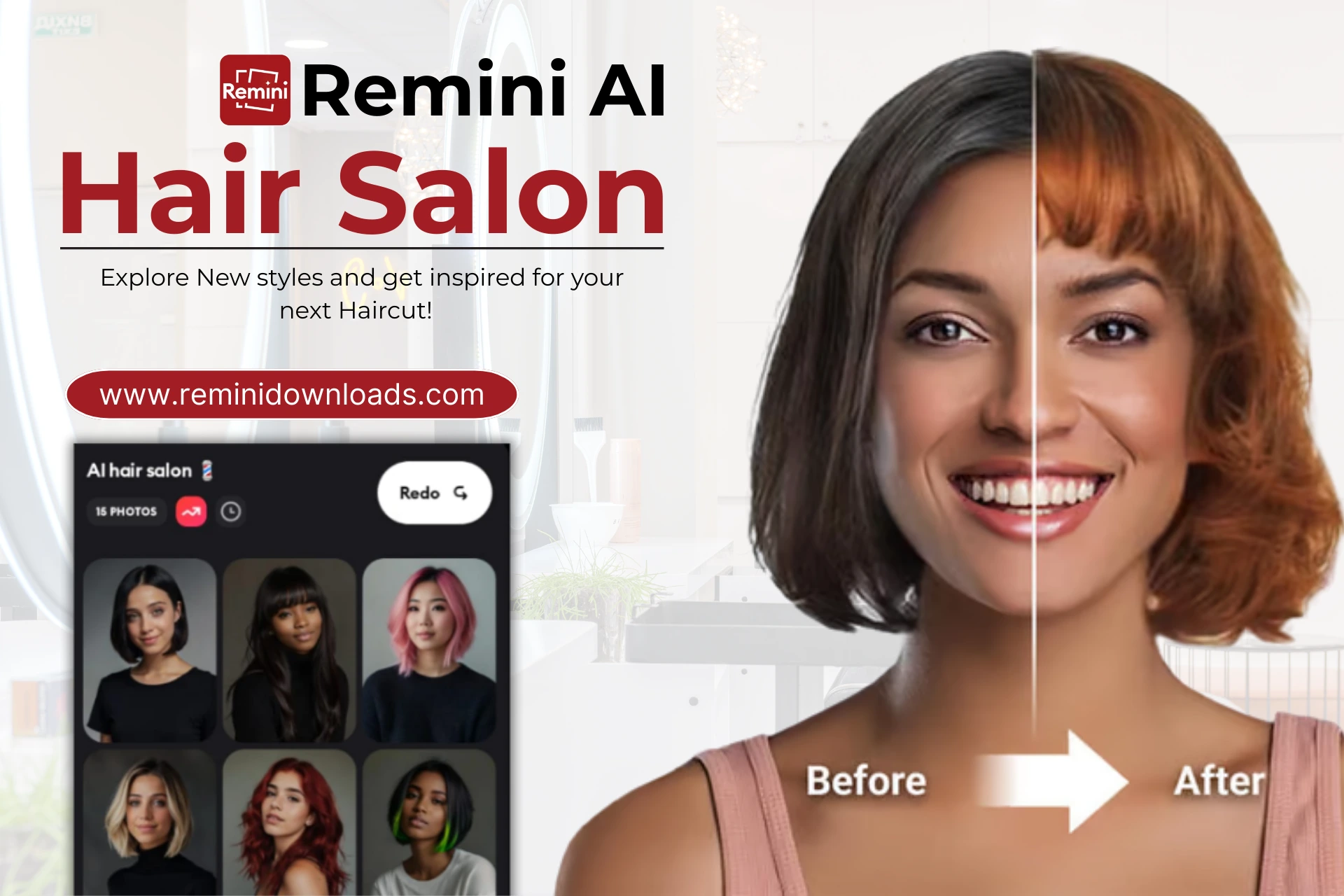
Deciding on a new haircut or hairstyle can be stressful for many people. What if it doesn’t suit your face? The worst part is that it can take months for your hair to grow back. Plus, picking the wrong style can make you regret your decision, especially if it doesn’t look as good as you hoped.
The Remini AI Hair Salon solves this problem. It’s a new feature in the Remini app that lets you try out different hairstyles virtually until you find your desired look. You don’t need to waste time or money going to a barber shop just to experiment. Simply use the filter in your phone, try different presets, choose your haircut, and then show it to your barber to get the exact style you want.
Screenshots
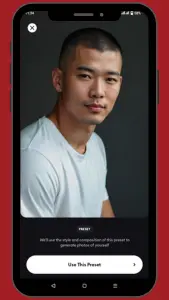
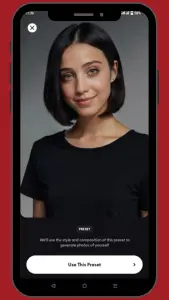
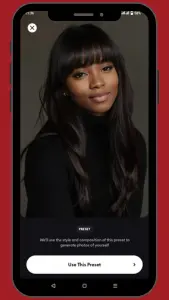
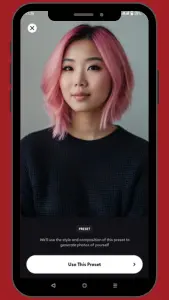
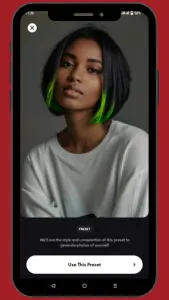
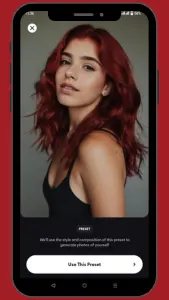
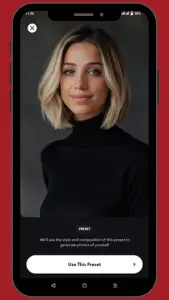
Overview of Remini AI Hairstyle Salon
Remini AI Hair Salon is a powerful feature within the Remini app that allows users to plan a new look using advanced AI technology. You can see how short hair, long curls, bangs, or even different hair colors look on your personality. It’s a risk-free tool that allows you to select any style within a few seconds.
Key Features of Remini AI Hair Salon
Realistic AI-Generated Previews
You can get a highly realistic hairstyle that matches your personality by using the Remini AI hair salon. Its AI technology analyzes your facial features, head shape, and overall appearance to generate high-definition photos that closely resemble how the hairstyle would look in real life.
Wide Range of Hairstyles and Colors
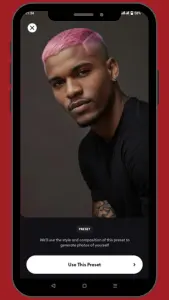
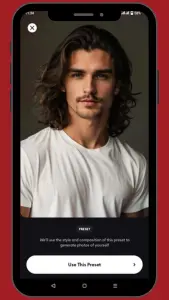
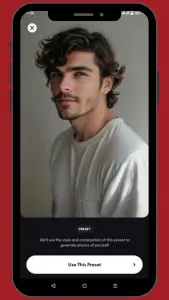
The Remini App offers a wide variety of hairstyles for both genders. For women, you can try styles like Classic Bobs, Long and Flowing Hair, Braids, Bold Cuts, and Layered Styles. For men, there are options like Short Cuts, Trendy Fades, Slicked-Back Styles, Longer Looks, and Messy Styles.
Instant Results
Once you choose a style, the AI processes your image and delivers the results within seconds. This instant feedback makes it easy to try multiple styles and compare them without any delays.
Cost-Free Experimentation
Time or money is required to experiment with your hairstyle in real life. Remini removes all these concerns. You don’t need to go to the barber shop. You can test countless styles for free or at a very low cost (depending on the version of the app you are using) using just your phone.
Save and Share Options
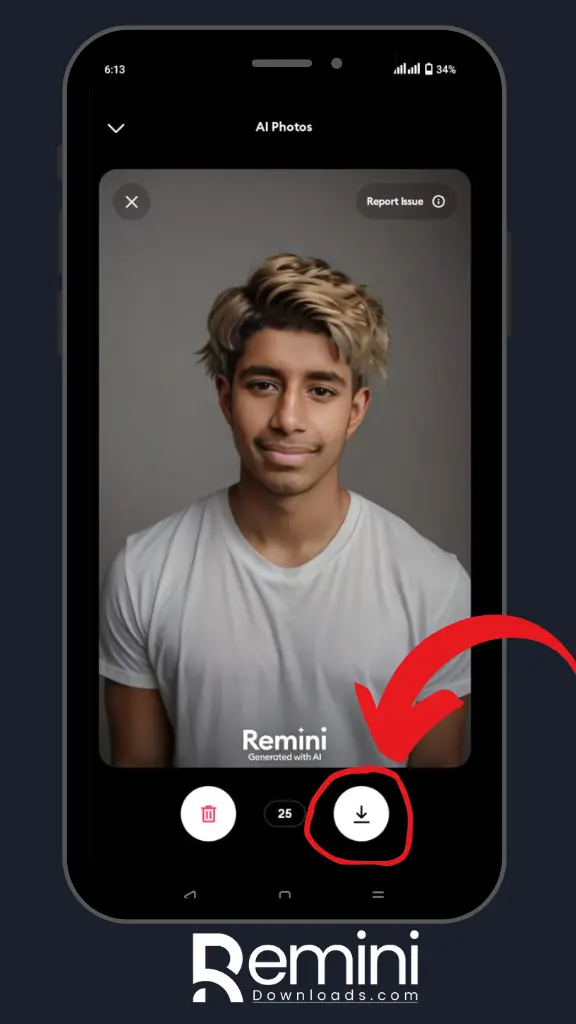
After choosing your favorite hairstyle, you can save your photo to your device or share it with family or on social media platforms. This is useful if you want to get feedback or show your preferred hairstyle to others.
How To Use the Remini AI Hair Salon?
Hairstyle Magic with Remini AI Hair Salon
You can easily try out fun and realistic hairstyles with the Remini AI Hair Salon by following a few simple steps.
Step 1: Get the “Remini app” from the Play Store, Apple App Store, or Download Premium Unlocked Version directly from from Remini mod apk website.
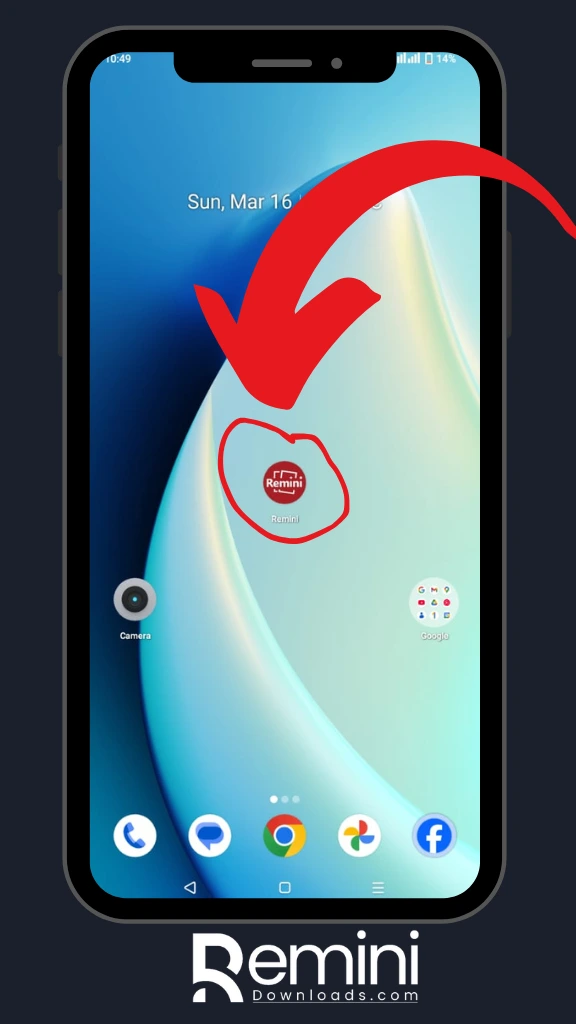
Step 2: Open Remini App and select “AI Photos“.
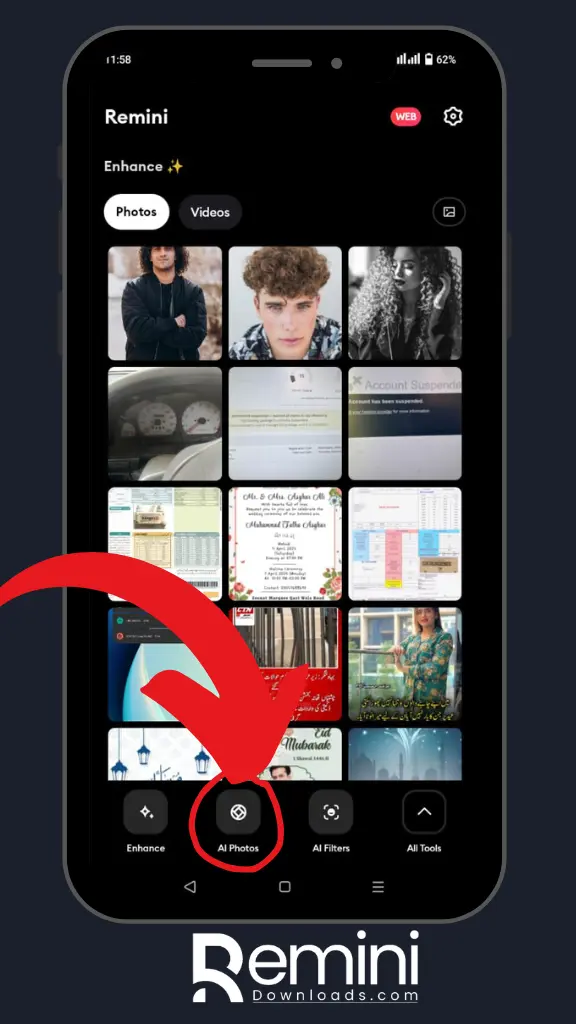
Step 3: Scroll down to find the “AI Hair Salon” option or choose your favorite preset hairstyle.
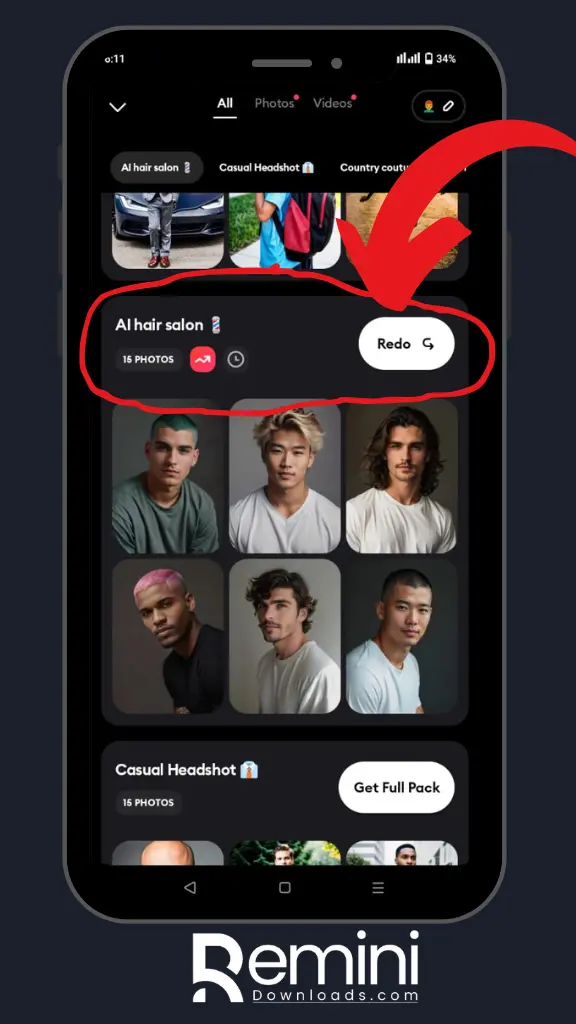
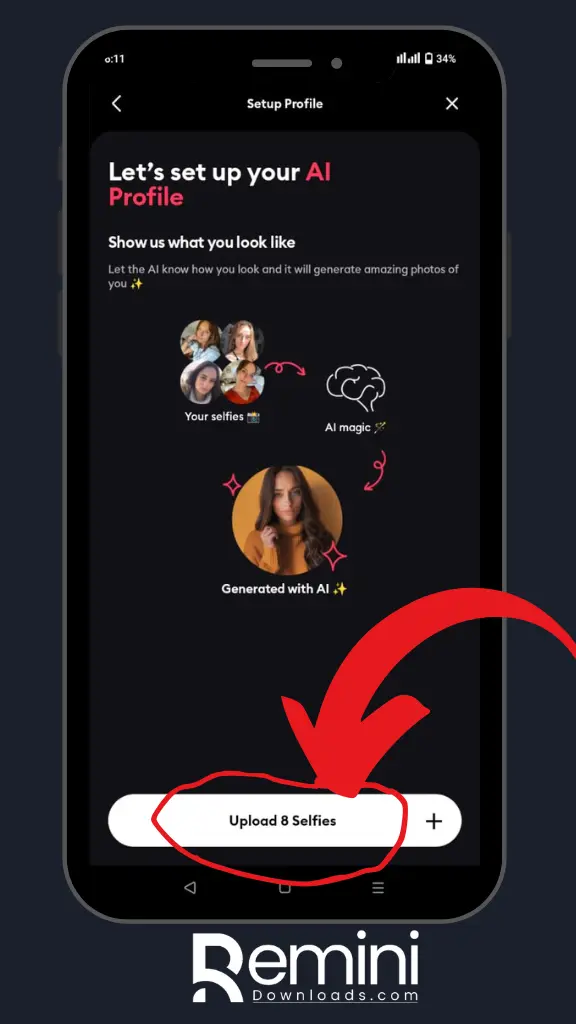
Step 4: Upload 8 “selfies” to proceed.
Step 5: Click the “Continue” button to move forward.
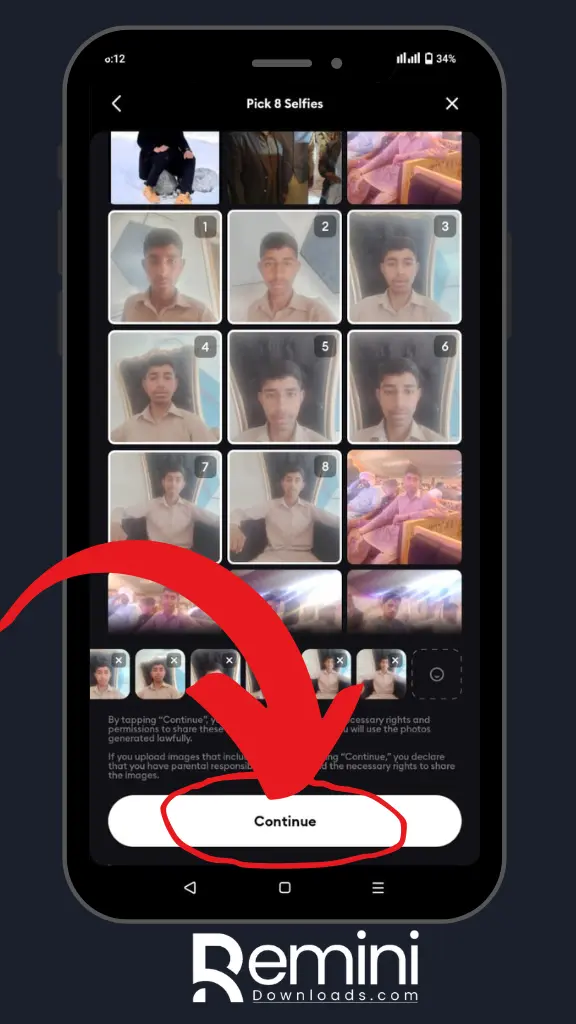
Step 6: Wait until all the photos have finished “uploading“.
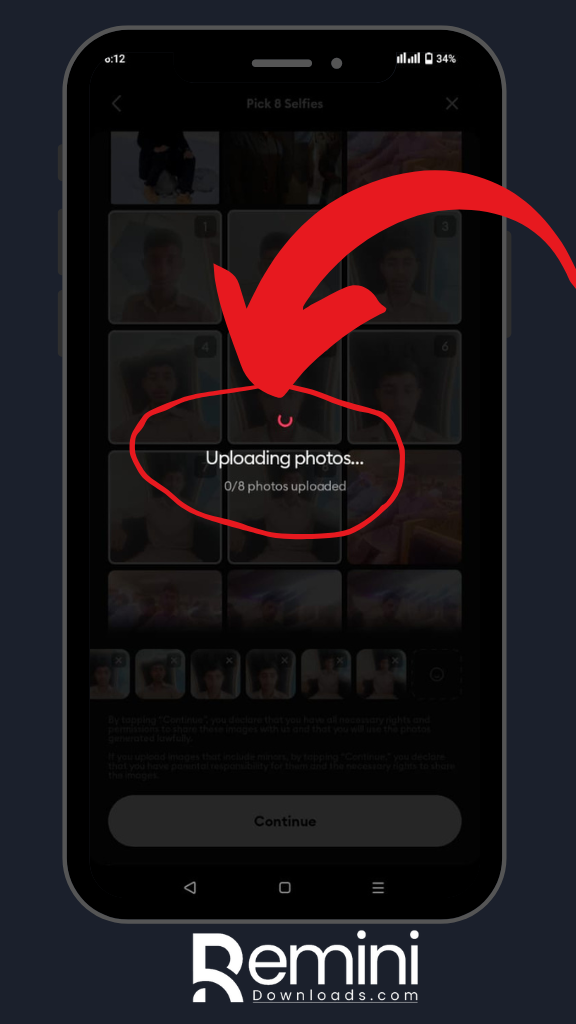
Step 7: Your stunning “haircut” photo is now ready for download.
Pros and Cons of Remini AI Hair Salon
Pros
Cons
Conclusion
The Remini AI Hair Salon is a fun and innovative way to try out new hairstyles before committing to a cut. It allows you to see how different hairstyles will look on you, from classic bobs to trendy fades, all in a highly realistic, AI-generated preview. While the feature delivers impressive results, some styles may require a subscription, and the quality of the preview may depend on the original photo. Despite these minor limitations, it’s an excellent tool for experimenting with new looks or sharing your potential hairstyle transformations on social media.